CRM
Ask Clarky: Chat With Your CRM in Natural Language
A built-in AI chat that knows your contacts, companies, pipeline, conversations, and activities — and can take action on your behalf with a confirmation step.
Read the docsAsk Clarky is a chat interface built right into your CRM. Instead of clicking through filters and tables, you describe what you want — find contacts, summarize the pipeline, send an email, move a card — and Ask Clarky pulls the right data or queues the right action with a confirmation step before anything changes.
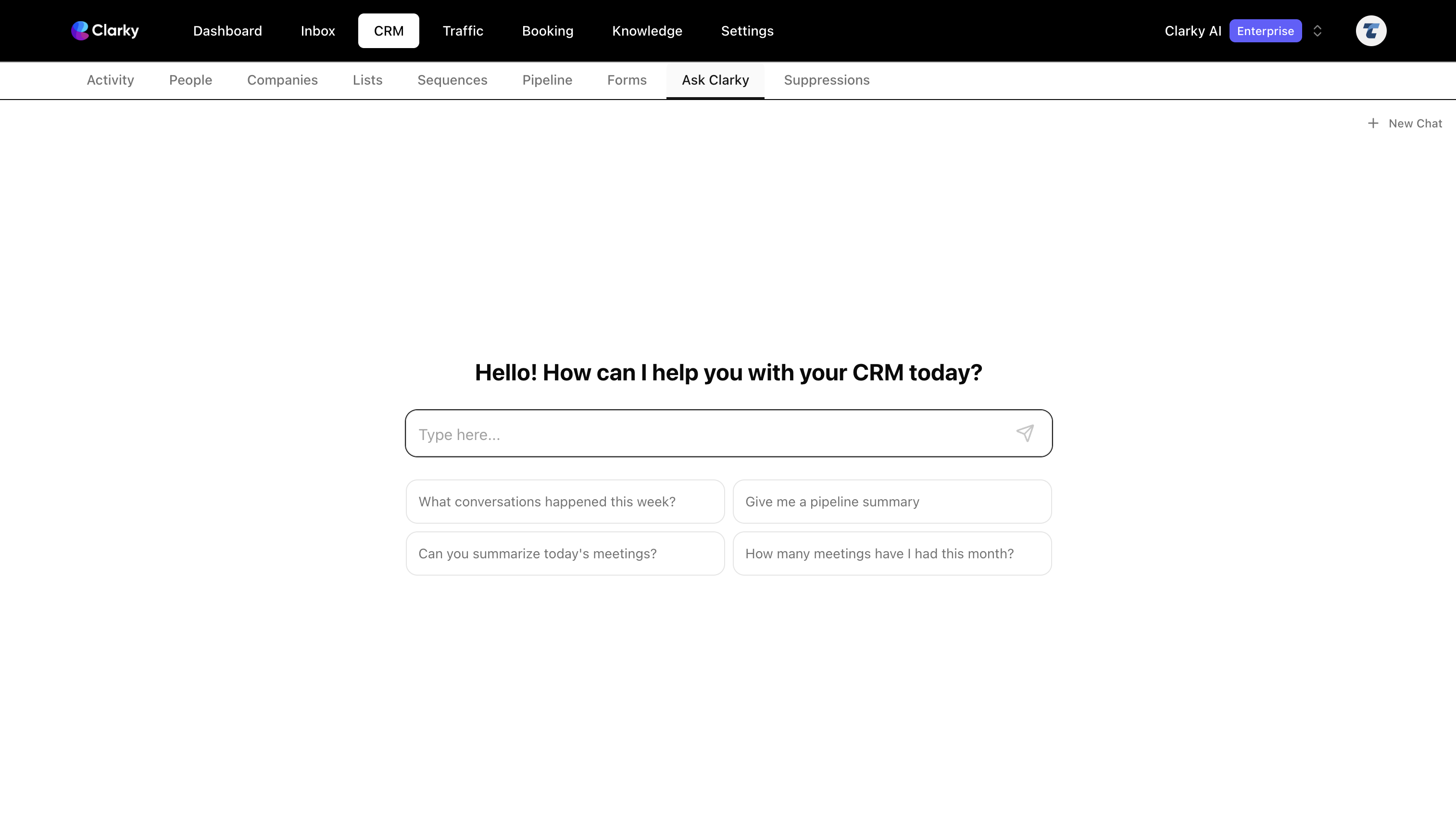
Key features include:
- Natural-language search— Ask things like "Show me contacts in the Proposal stage with deal value over $5,000" or "Who attended the AI workshop?" without learning filters or building reports.
- Instant analytics— Pipeline summaries, counts, and totals come back as stat cards and funnels — "How many deals closed this year?", "What's the total in Qualified?", "How many bookings this month?"
- Take action with a confirmation step— Ask Clarky can send emails, send texts, move pipeline cards, and log activities. It always previews exactly what it's about to do and waits for your go-ahead before running.
- Purpose-built result cards — Contacts and companies render as clickable tables, conversations as channel-aware previews, pipelines as horizontal funnels, and counts as large stat cards. Click through to the underlying record from any result.
- Workspace metadata in context— You don't need to know exact tag names, stage names, or lead-source labels. Phrases like "the AI workshop tag" or "the Proposal stage" map to the right values automatically.
- Persistent chat history — Every session saves automatically. Open the History popover to reopen any past conversation. History is private to you — other workspace members only see their own.
- Conversation starters — A 2x2 grid of starter prompts on the empty state lets new users see what Ask Clarky can do without typing.
Ask Clarky is available on the Startup plan and up — open the Ask Clarky tab inside your CRM and ask anything about your data.