Team Chat: Your Team and Clarky, One Conversation
Slack-style channels, DMs, and threads built right into Clarky. Mention @Clarky in any channel to pull your CRM into the conversation, and find Clarky pinned at the top of your direct messages.
Read the docs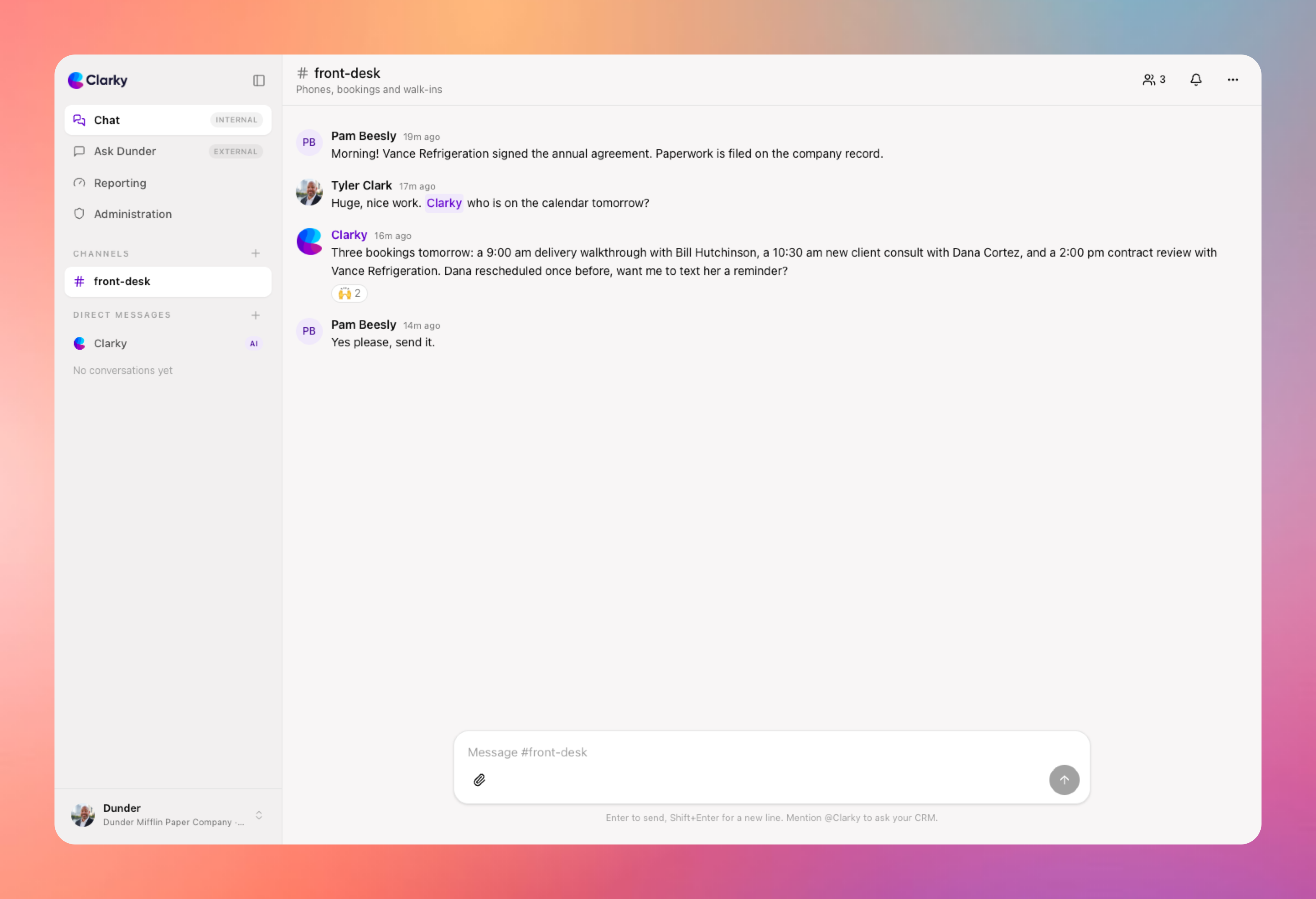
Your team's conversations and your CRM now live in the same place. Team Chat brings Slack-style messaging into Clarky: public and private channels, direct messages, group DMs, threads, reactions, and @mentions. And because Clarky is in the room, your contacts, pipeline, and bookings are one @mention away from any conversation.
Key features include:
- Channels and DMs: public rooms anyone can join, private channels for sensitive topics, and 1:1 or group direct messages with anyone in your workspace
- @Clarky in channels: mention @Clarky anywhere and it answers right in the conversation with live CRM data, visible to the whole room
- Threads, reactions, and mentions: keep side discussions tidy, react with emoji, and @mention teammates with autocomplete
- Notifications your way: set each channel to all messages, mentions only, or muted; push notifications on your devices, with an email fallback for DMs and mentions when you don't have push set up
- File sharing: drop images and files into any channel or DM, with inline previews
- Clarky, front and center: Chat is the new default screen after login, with Clarky pinned at the top of your direct messages and your own custom starter prompts in the composer
Team Chat is included on every plan. Free workspaces get 3 public channels and the last 30 days of history; Startup and up unlock unlimited channels, private channels, full history, file sharing, and @Clarky. Log in and you're already there: Chat is the first thing you see.