Ask Clarky: Your CRM Assistant Over iMessage, RCS or SMS
Text Clarky like a coworker. Ask about your contacts, pipeline, and meetings from your phone, draft emails and texts you confirm with a YES reply, and add Clarky to a group chat to find a time and book the meeting for you.
Read the docs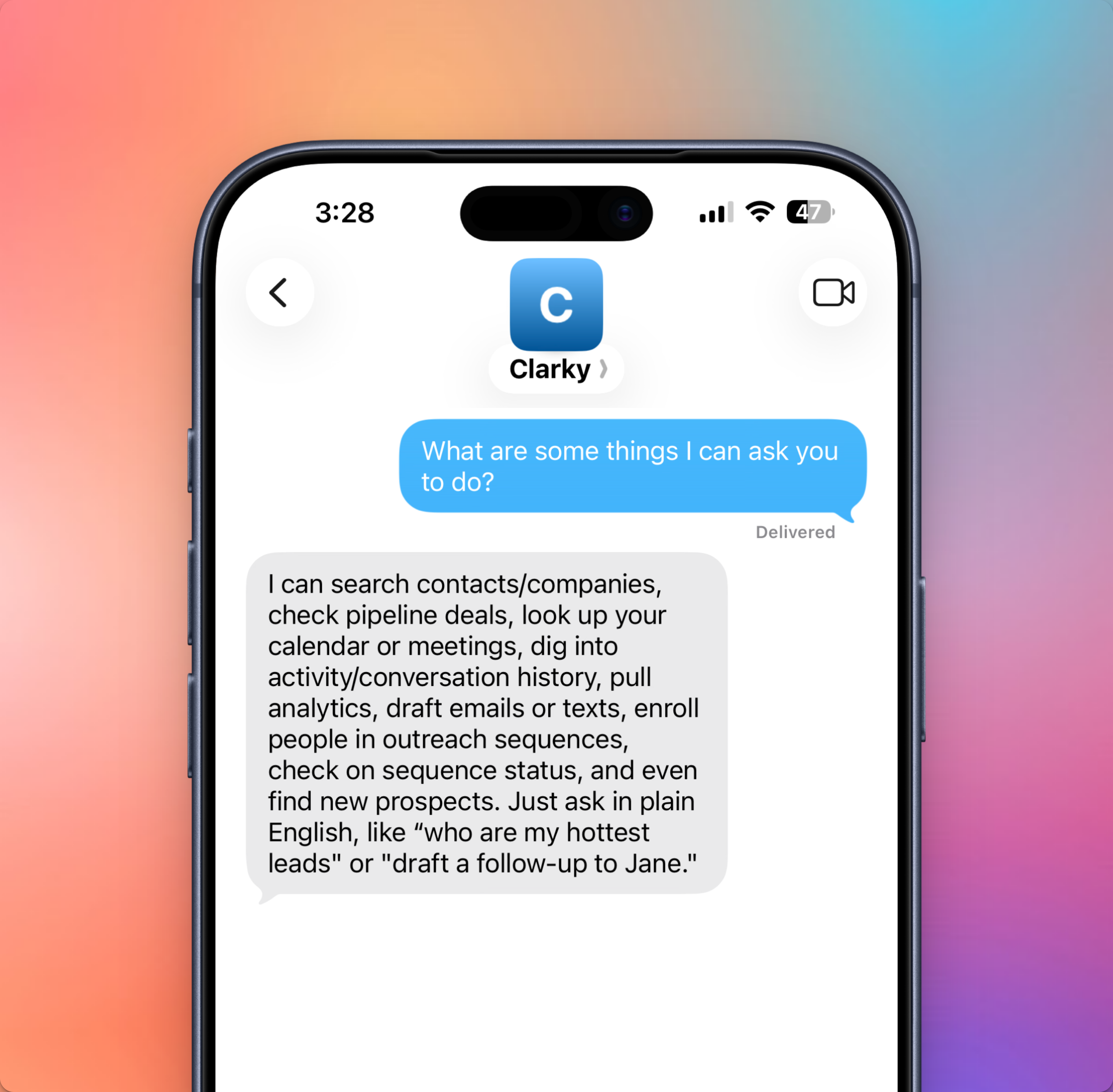
Ask Clarky now lives in your texts. Add your phone number to your Clarky profile, save the Clarky number, and text it like you would a teammate: "Who should I follow up with this week?", "What's on my calendar tomorrow?", or "Draft a thank-you email to Rafael." Clarky answers over iMessage (falling back to RCS, then SMS, automatically) with the same CRM knowledge you get in the web app.
Key features include:
- Your whole CRM by text: contacts, companies, pipeline, analytics, sequences, meetings, and conversation history, all answerable from your phone
- Group chat scheduling: start a group text with a guest and Clarky, and it proposes real open times from your calendar, shares your booking link, and books the meeting once everyone agrees
- YES to confirm: emails, texts, and bookings are prepared as drafts first; nothing sends until you reply YES, and NO cancels
- Built-in privacy: in group chats Clarky sticks to scheduling and never shares CRM data with guests
- No new app: it works in Messages with the phone number you already have on file
Text Clarky is available on Standard plans and up. To get started, add your phone number under Edit Profile, then send your first text to the number shown on the Ask Clarky page.